ACSII II Guide to Geometric Morphometrics in MorphoJ
5. Data Outliers
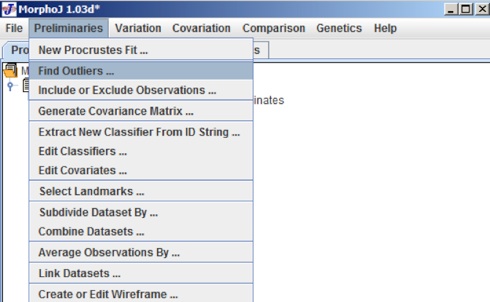
It is always very important to check the data set to determine if there are any data outliers to determine if there are any problems in the data set. To check for outliers in a dataset, click the Mormyrid Project Tree, select the Mormyrids dataset and then select Find Outliers in the Preliminaries menu.
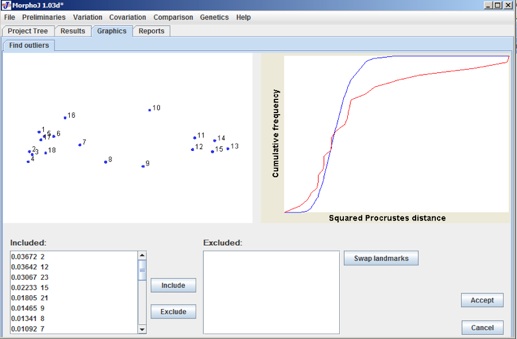
After clicking find outliers the output window shows an interface like the following in the graphics tab:
On the upper left side the diagram shows the average shape in blue dots and deviation from the average in red line. The panel on the lower left corner “Included” shows each individual specimen with their Id and the number of their diviation from the average.By selecting any of them shows which landmark deviated most. The upper-right panel shows how much each individual specimen vary from the average shape of the entire sample for Mormyrid data set. This diagram is just an approximate guide to the quality of the data. If any individual specimen is not desired in the data set we can exclude that specimen and get a new dataset for further analysis. To get the excluded individual someone can always get that from “Excluded” panel and select the specific Identifier need to be included.